 mikoo
mikooPlatform specs / 2026-09-08
Amazon product image requirements in 2026: sizes, main image rules, what gets rejected
The technical specs, the main-image rules, what secondary images may contain, category exceptions, and the reasons listings get suppressed. One page to check against before you upload.
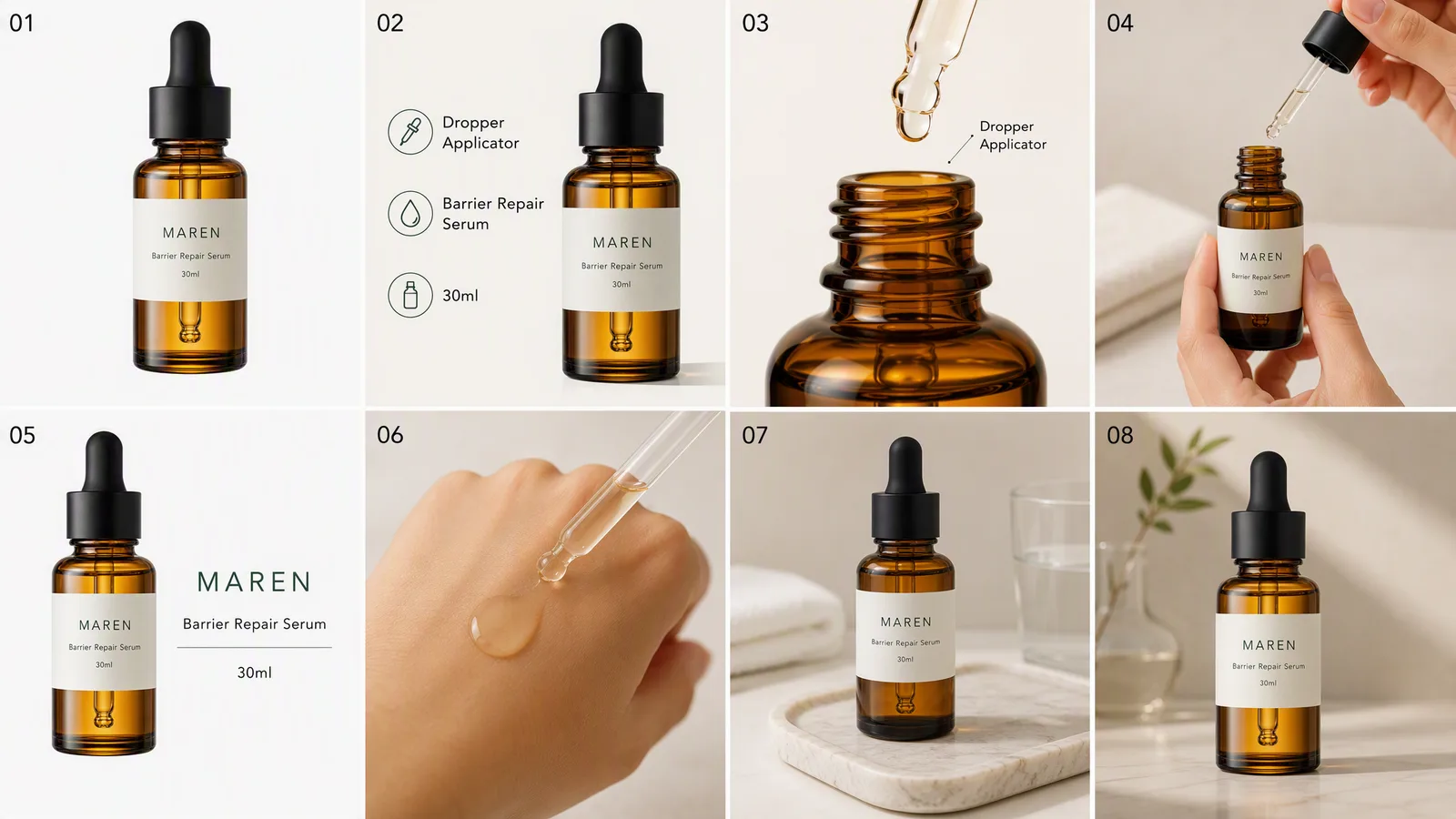
Amazon's image rules are scattered across a help page, a category style guide and the error message you get after the upload fails. This is the whole thing in one place, as of September 2026. Rules change; the current version is always on Amazon's product image requirements page and your category's style guide in Seller Central.
Technical specs for every image
These apply to all images on the listing, main and secondary alike.
| Spec | Requirement |
|---|---|
| Format | JPEG (preferred), PNG, TIFF, non-animated GIF |
| Colour | sRGB or CMYK; sRGB is what displays correctly |
| Minimum size | 1000px on the longest side, or zoom is disabled |
| Recommended | 1600px or more on the longest side |
| Maximum | 10000px on any side |
| File size | Up to 10 MB |
| Aspect ratio | Square (1:1) displays best; other ratios are accepted |
| Colour mode | No transparency in the main image |
The zoom rule matters more than it looks. Zoom is where shoppers check the label and the finish, and a listing without it converts worse than one with it.
Main image rules
The first image, the one that shows in search results, has its own set of rules. Every one of these is a rejection reason on its own.
- Background is pure white, RGB 255, 255, 255. Amazon checks the pixel values; "almost white" fails.
- The product fills 85% or more of the frame, with no part cut off by the edge.
- Only the product that is for sale. Nothing that is not in the box: no props, no accessories sold separately, no hands unless the category requires a model.
- No text, logos, badges, watermarks, borders or inset images. Brand names printed on the product itself are fine.
- A real photograph of the product. No illustrations, sketches, placeholders, mockups or obvious 3D renders.
- The product is shown as sold, out of the packaging unless the packaging is the product, and not on a mannequin for adult clothing.
- No offensive content, and nothing that suggests something is included when it is not.
What secondary images may contain
Slots two onward are where the rules relax. Amazon lets you upload nine images per listing, one main and eight secondary; seven show on the desktop detail page, so put the strongest in the first seven.
Secondary images may contain:
- Other angles, close-ups and detail shots
- Text, callouts and infographic-style benefit cards
- Size and scale references, comparison charts
- Lifestyle and scene photos, with props and models
- Packaging and what is in the box
They still have to follow the technical specs above, and they still cannot make claims the product does not back. Text on an infographic card counts as a claim.
Category exceptions
Some categories override the general rules for the main image. The category style guide wins; a few of the common ones:
- Adult apparel must be shown on a model, not flat and not on a mannequin. Full body, front facing, no cropped heads for tops and dresses.
- Kids' and baby apparel is the reverse: flat or on a hanger, never on a model.
- Shoes are shown as a single shoe, left-facing, at a slight angle. No pairs and no boxes in the main image.
- Jewellery is shown alone, typically without a model in the main slot, at a scale that shows the piece and not the setting.
- Multipacks and bundles show every item that ships, and only those items.
If you sell in one of these categories, open the style guide before the shoot, because a main image that is perfect for one category is a rejection in another.
Why images get rejected or listings suppressed
A suppressed listing does not appear in search until the image is fixed. Amazon usually tells you which rule was hit; these are the ones that come up most.
| Reason | What it usually means |
|---|---|
| Background is not white | RGB 250 or a faint studio gradient |
| Product too small | Bottle centred with white all around |
| Text or graphics on the main image | A "New" badge, a logo corner, a watermark |
| Props or extra items | A towel under the bottle, a second colour variant |
| Image too small | Under 1000px, often a phone photo exported for the web |
| Not a photograph | A render that reads as a render |
| Wrong presentation for the category | Adult top on a mannequin, a pair of shoes |
The fix is almost always a new main image, not a rewrite of the listing.
A compliant set from one photo
If what you have is one phone photo of the product, that is enough to produce the set. Upload it, name the marketplace and the cards you want:
Make the Amazon image set for this serum: white-background hero, dropper detail, back label, and the full eight-card board. US listing.
The hero comes back on a true white ground, product sized to the frame, no text, at 2K. The secondary cards carry the benefit copy and the details, with the same bottle on every one.
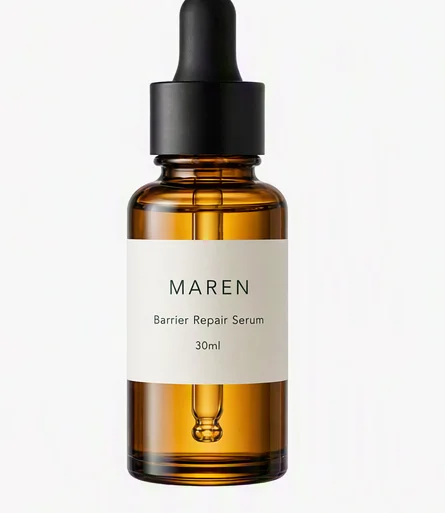
Before you upload, run the main image through the checklist above. Then check the category style guide once more; that is the part that changes without notice.