 mikoo
mikooGuides / 2026-09-08
How to make an Amazon main image with AI (white background, compliant)
What Amazon's main-image rules actually are, and how to get a compliant pure-white hero from one phone photo without a studio, a clipping path or a retoucher.
The main image is the one Amazon is strict about. It is also the one most sellers get back from a freelancer with a slightly grey background, a shadow that reads as a prop, or a bottle that only fills half the frame. Here is what the rules are, and how to meet them from the photo you already have.
What Amazon wants from the main image
The rules for the first image slot are short and non-negotiable:
- Pure white background. RGB 255, 255, 255. Off-white, cream or a soft studio grey all get flagged.
- Product fills at least 85% of the frame. Not centred in a sea of white, and not touching the edges either.
- Only the product. No text, logos, badges, watermarks, inset images or props that are not in the box.
- A photograph, not a render. Illustrations, mockups and obvious 3D renders are not accepted in the main slot.
- At least 1000px on the longest side so zoom works. 1600px or more is what Amazon recommends; nothing above 10000px.
- JPEG, PNG, TIFF or non-animated GIF, in sRGB. JPEG is the safe choice.
Some categories add their own rules. Adult apparel has to be on a model, kids' apparel flat, shoes a single shoe at an angle. Check the style guide for your category in Seller Central before you upload. The full list of requirements is in Amazon's product image requirements help page.
What to upload
One photo. It does not have to be good. It has to show the product clearly, with the label legible, from roughly the angle you want on the main image.
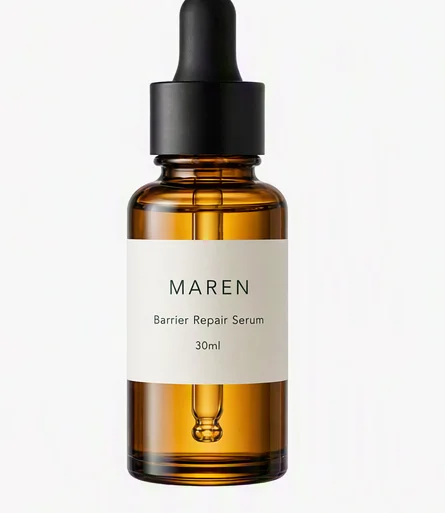
Ours is a fictional serum, MAREN, on a plain surface, shot on a phone.
The agent takes the product from this photo. It does not invent a bottle that looks a bit like yours: the label, the cap, the proportions and the colour of the liquid are the ones in your photo.
What to type
Name the deliverable and the marketplace, and say nothing about technique:
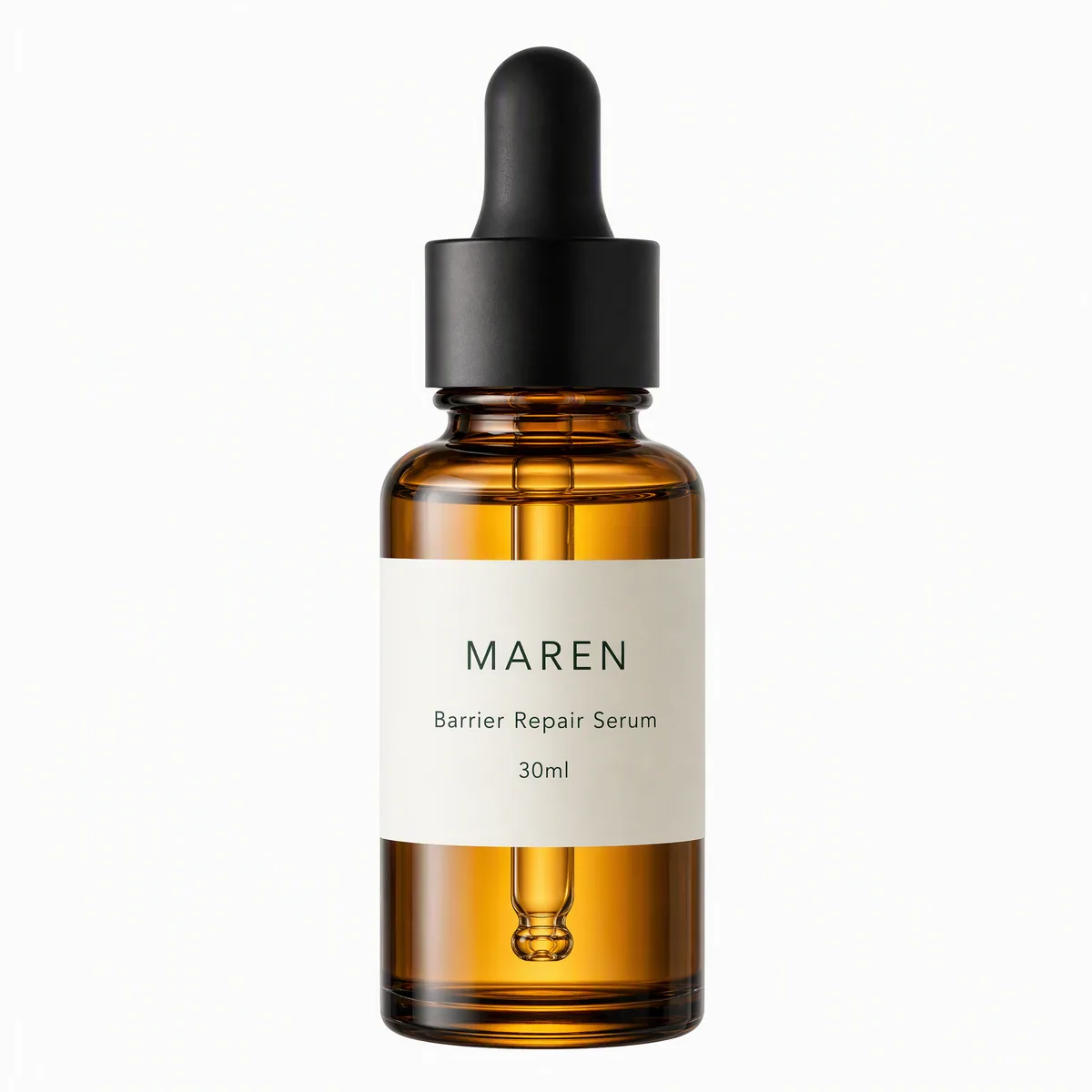
White-background Amazon main image for this serum. Product fills the frame, no props, no text. US listing, 1:1.
That is enough. Lighting, the exact angle and the soft ground shadow are the agent's decisions, and they are made against Amazon's rules by default. If you want the bottle turned slightly so the front label reads better, say so in the same message.
What comes back
A 1:1 hero on a true white ground, the bottle sized to the frame, with a shadow light enough to pass and no text anywhere. Output is 2K, which clears the zoom threshold.
If the first one is not quite right, you say what to change: more headroom, cap slightly toward camera, less shadow. The product stays locked; only the thing you asked for changes.
Check before you upload
Two minutes here saves a suppressed listing later.
- Background. Sample a corner in any image editor. It should read 255, 255, 255, not 250.
- Fill. Eyeball the bottle against the frame. If there is more white than product, ask for a tighter crop.
- Edges. Nothing touching or cut off by the frame.
- Nothing extra. No shadow that looks like a surface, no reflection that looks like a prop.
- Size. Longest side at least 1600px. Export as JPEG in sRGB.
Then the rest of the set
The main image is one of seven slots that show on the listing page. In the same session, without re-uploading anything, ask for the others:
Now a top-down dropper detail, the back label, and the full eight-card board with benefits.
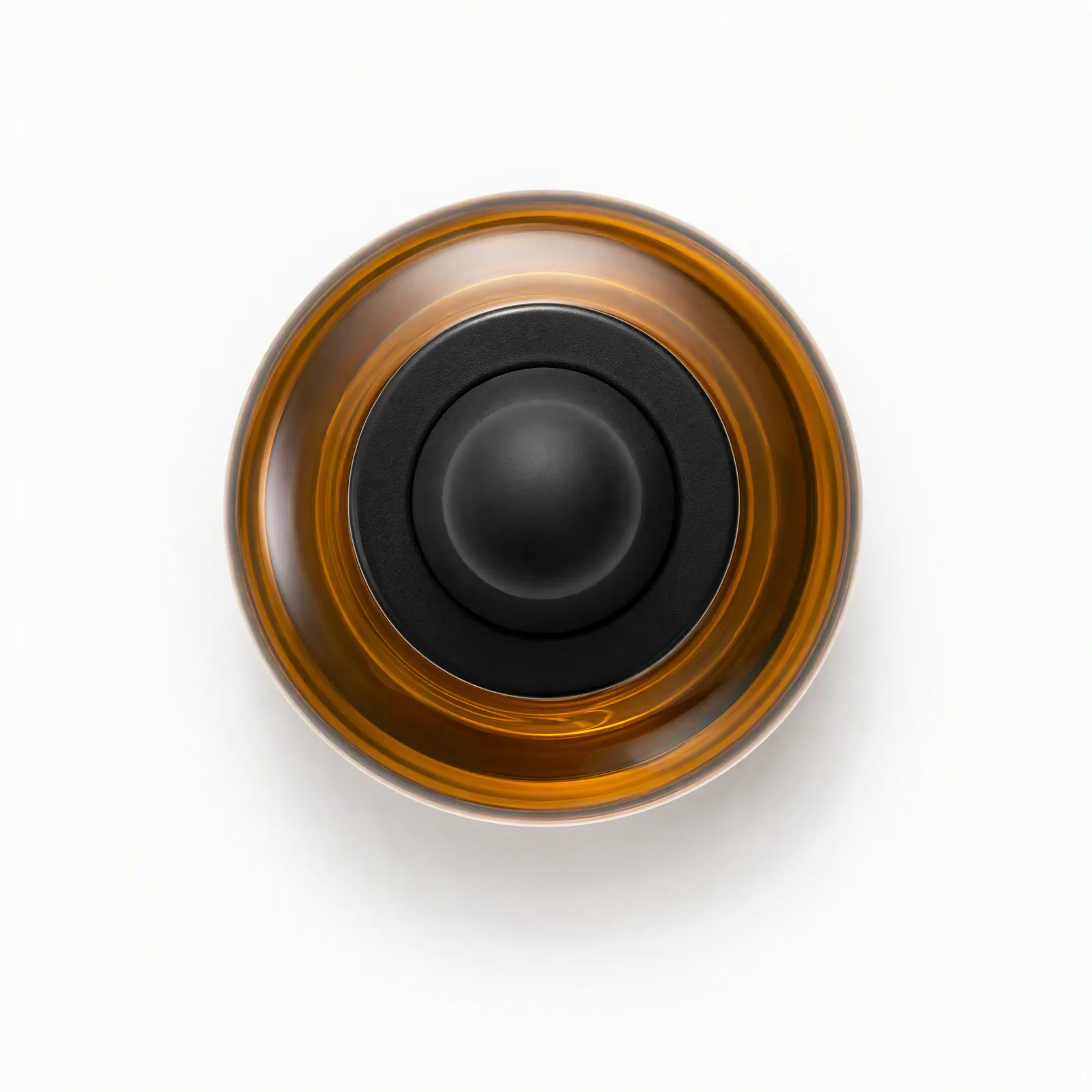
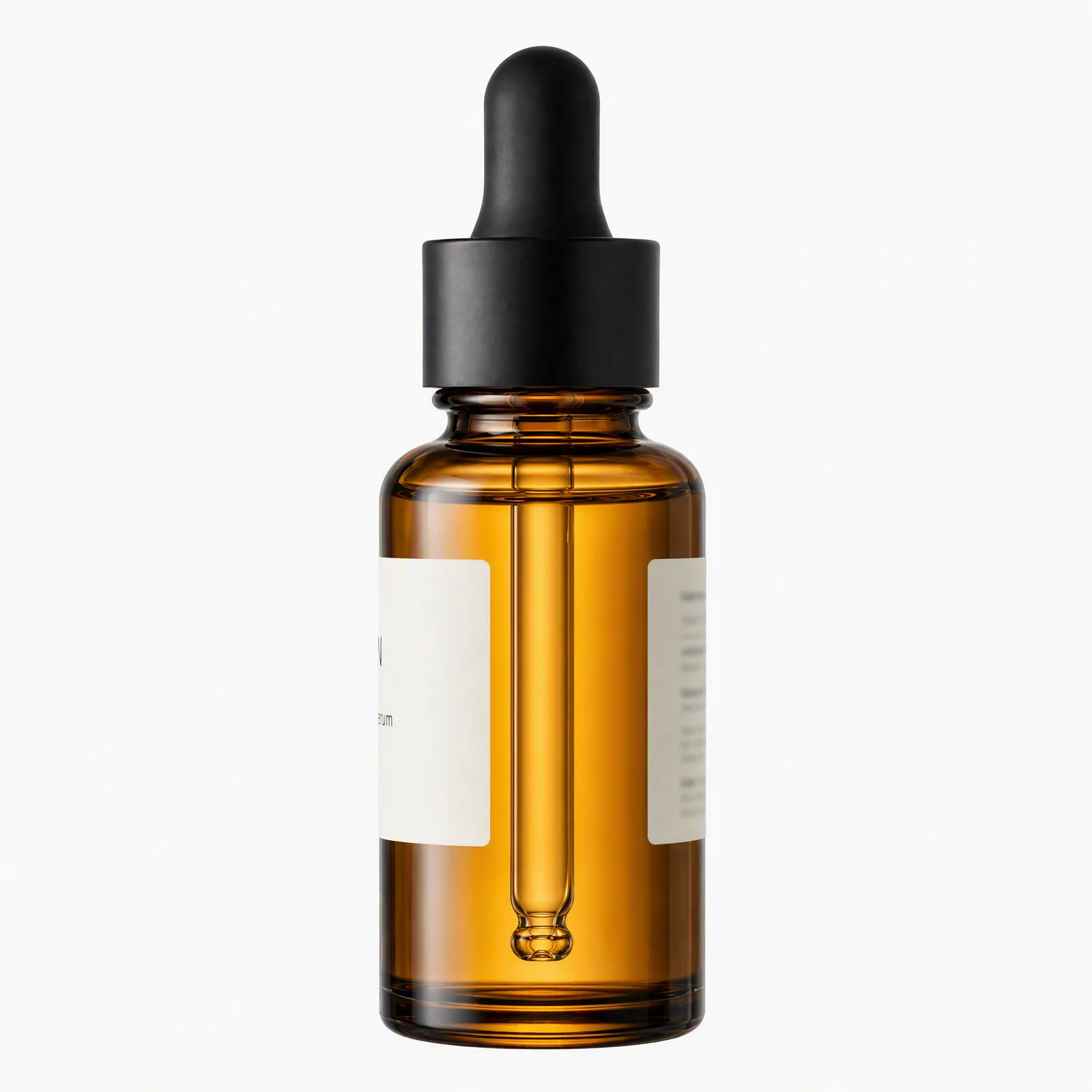
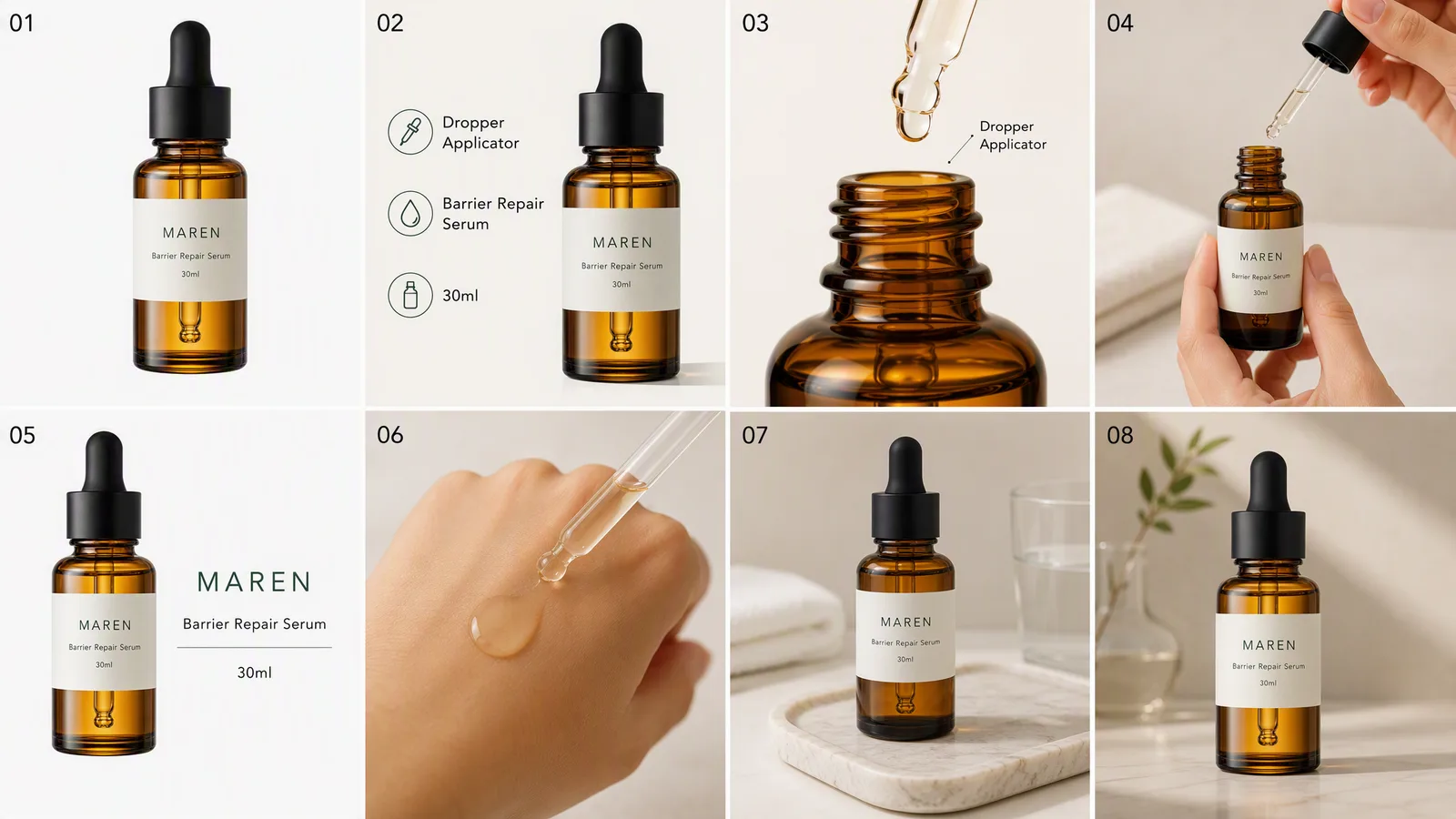
The secondary slots are where text, benefit callouts, scale references and lifestyle scenes are allowed. The bottle on every card is the bottle from the main image, which is the part a folder of stock renders never gets right.