 mikoo
mikooGuides / 2026-09-08
How to make UGC-style product photos with AI for ads and reviews
Why creator-style photos beat studio shots in feeds, what makes a photo read as UGC, and the exact request that turns one product photo into a set of them.
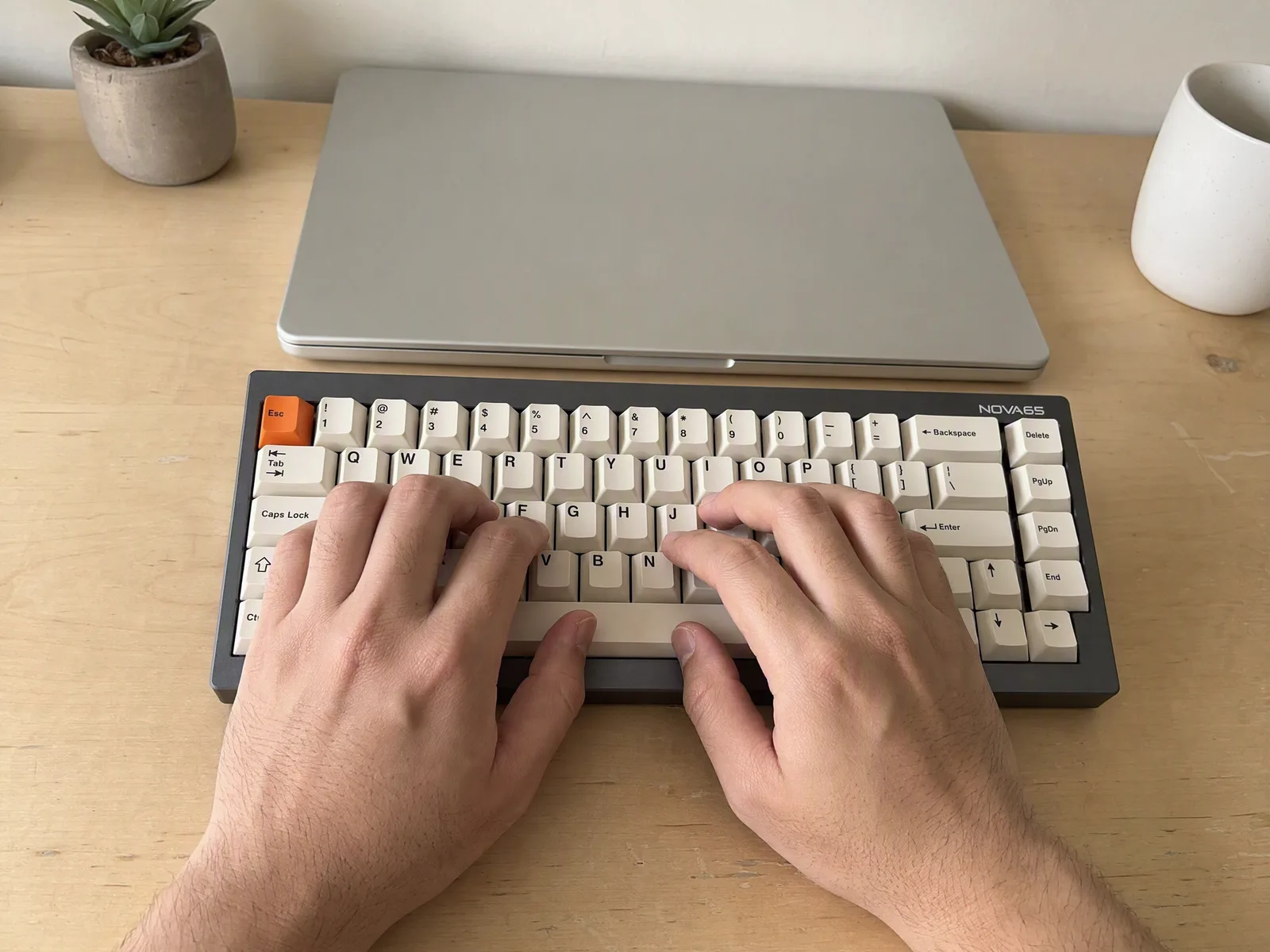
A studio shot tells the buyer a brand is talking. A phone photo on someone's desk tells them a person is. In a feed, on a product page below the fold, in the review section, the second one wins: it stops the scroll because it does not look like the thing everyone scrolls past. Here is how to make that kind of photo from the one product photo you already have.
Why UGC-style photos work
Ad platforms and marketplaces are full of white backgrounds and perfect lighting. The eye has learned to skip them. A photo that looks like a customer took it carries three signals a studio shot cannot: someone owns this, it lives in a real room, and it is being used right now.
The numbers follow. Creator-style creatives usually get cheaper clicks on Meta and TikTok than polished ones, and a product page with a "real" photo next to the hero shot answers the question every buyer has: what does it look like in my house, not in yours.
What makes a photo read as UGC
It is not lower quality. It is a different set of cues:
- Phone framing. Slightly tight, a little off-center, taken from where a person would be standing or sitting, not from a tripod at product height.
- Mixed natural light. A window on one side, a warm lamp on the other, and the color cast that comes with it. Studio light is even; rooms are not.
- Real surfaces. A desk with a cable on it, a kitchen counter with a mug, a floor mat. Not seamless paper.
- Hands. Holding, typing, opening. A hand in frame is the single strongest "someone is using this" signal.
- Slight imperfection. A soft edge, a reflection, a corner of the room in the background. Perfect is the tell.
The product itself should not be imperfect. The label, the color, the shape have to be yours. That is the part that goes wrong when you try to fake this with stock photos or a generic image model.
The flow: one photo in
Start with the photo you have. A studio shot is fine; so is a phone photo on a plain surface. For the keyboard below the source was a product render on white, the kind every listing already has.
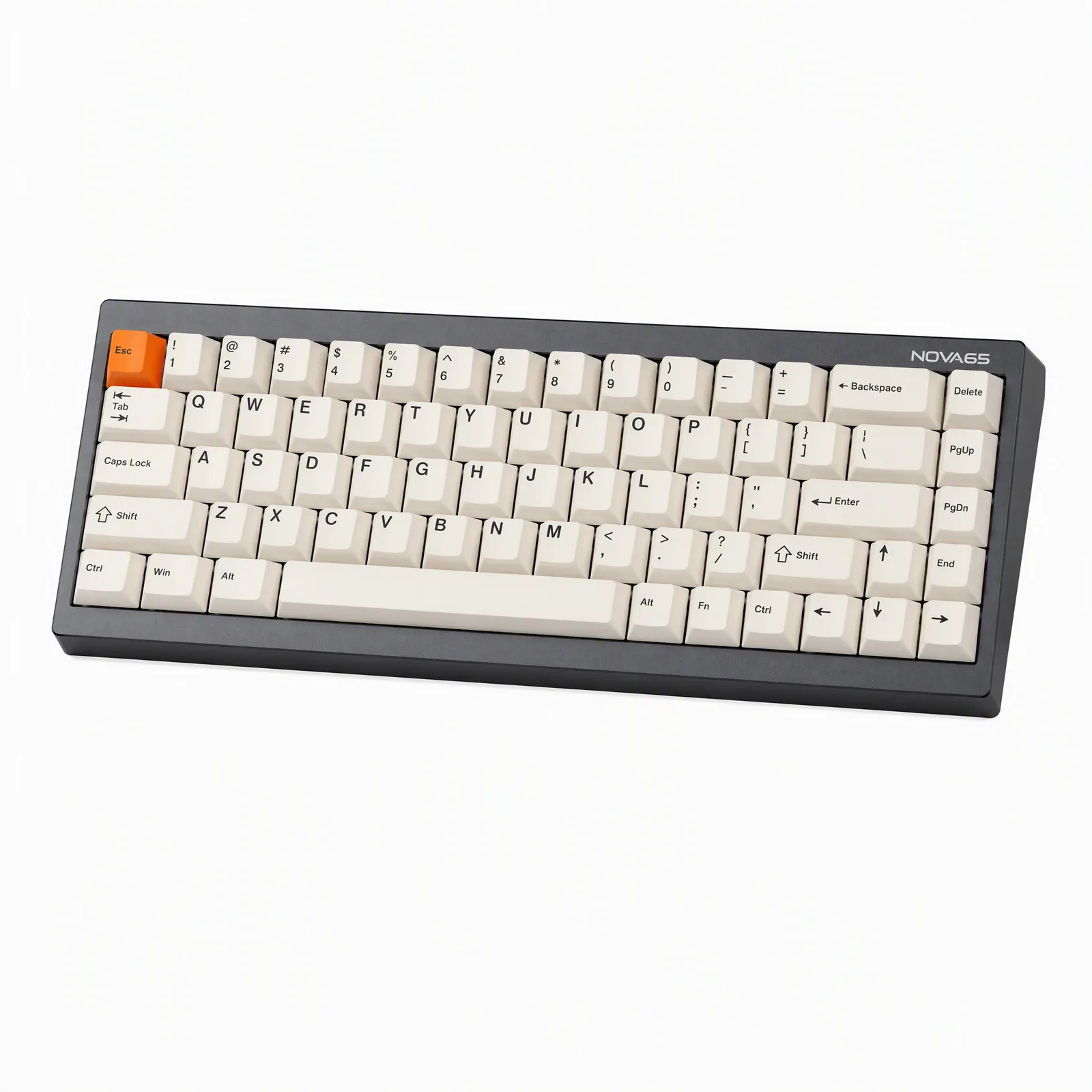
Upload it and describe the photos you want, not the technique. Name the setting, the light, the number of shots and the look:
Make six UGC-style photos of this keyboard for the product page and social. Real desk, warm evening light, a couple with hands typing. Phone look, not studio.
That is the whole request. The agent picks angles, decides where the hands go and asks before spending credits if a choice is genuinely yours, such as which colorway to feature.
What came back
A desk setup in natural light, the keyboard in the position it would actually sit in. Then the shot that does the work: hands on the keys, phone framing, the kind of image a customer would post with a review.
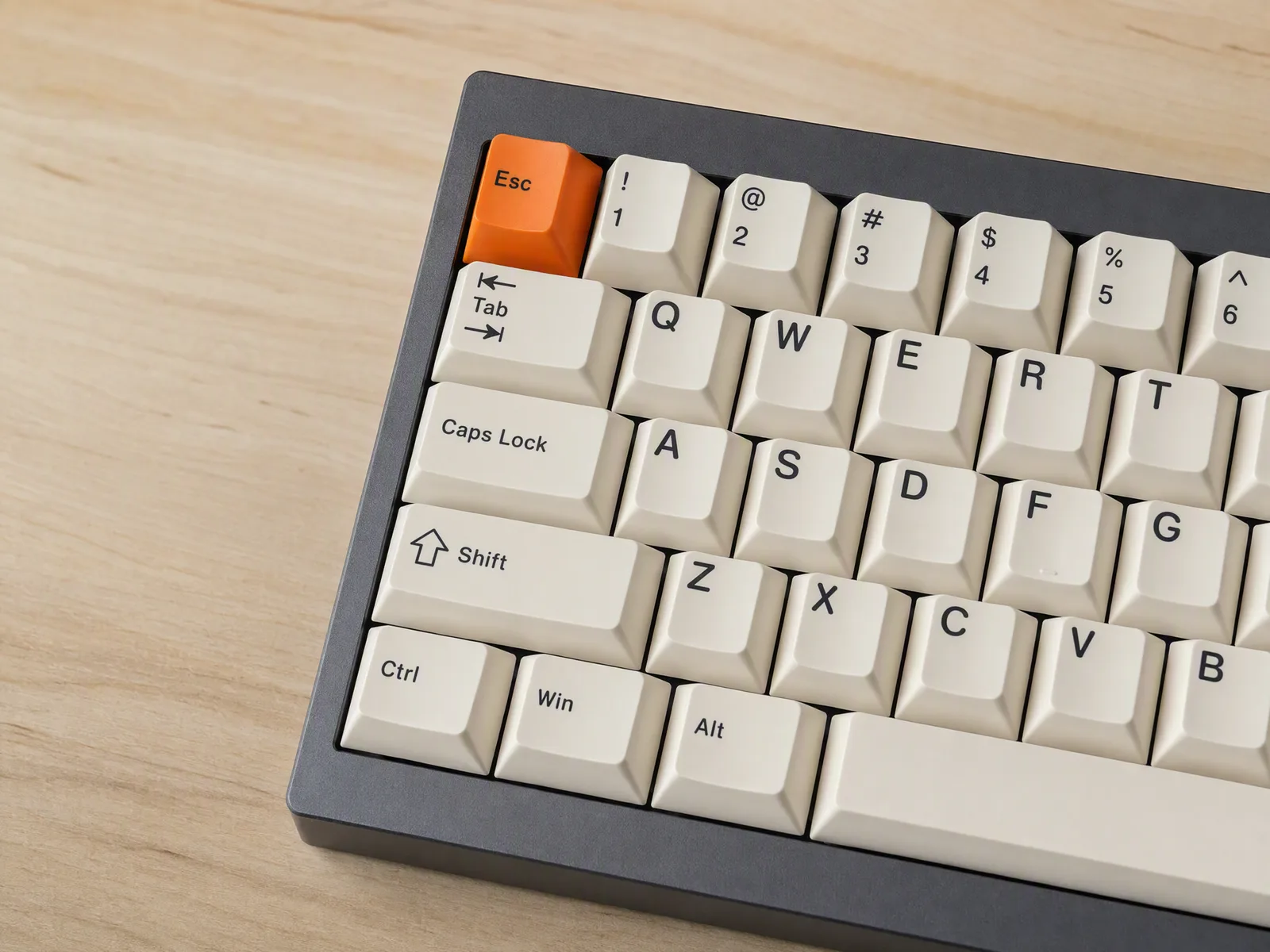
The keycaps, the case color and the layout are the ones from the source. Nothing was redrawn.
Same request, different product
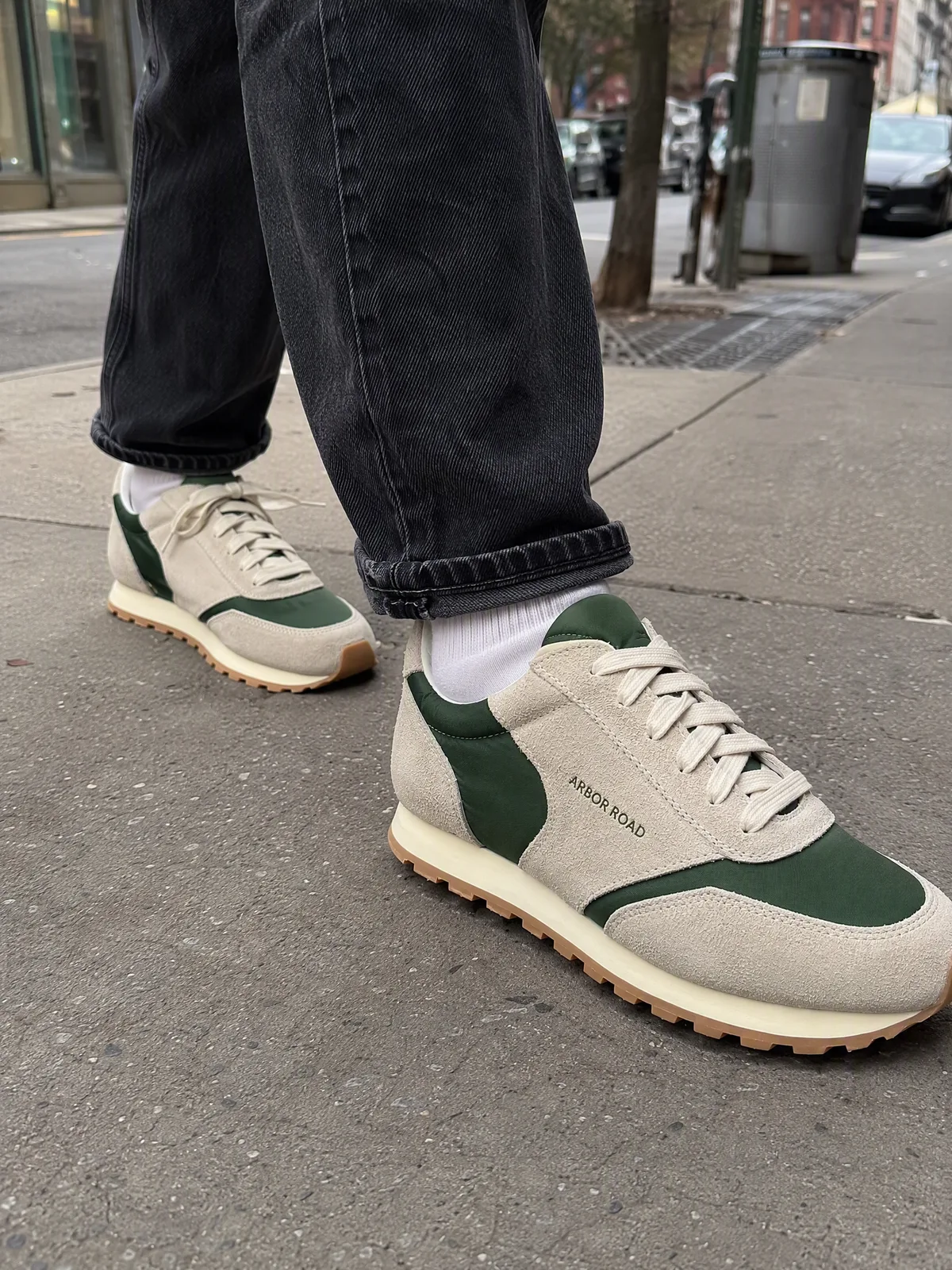
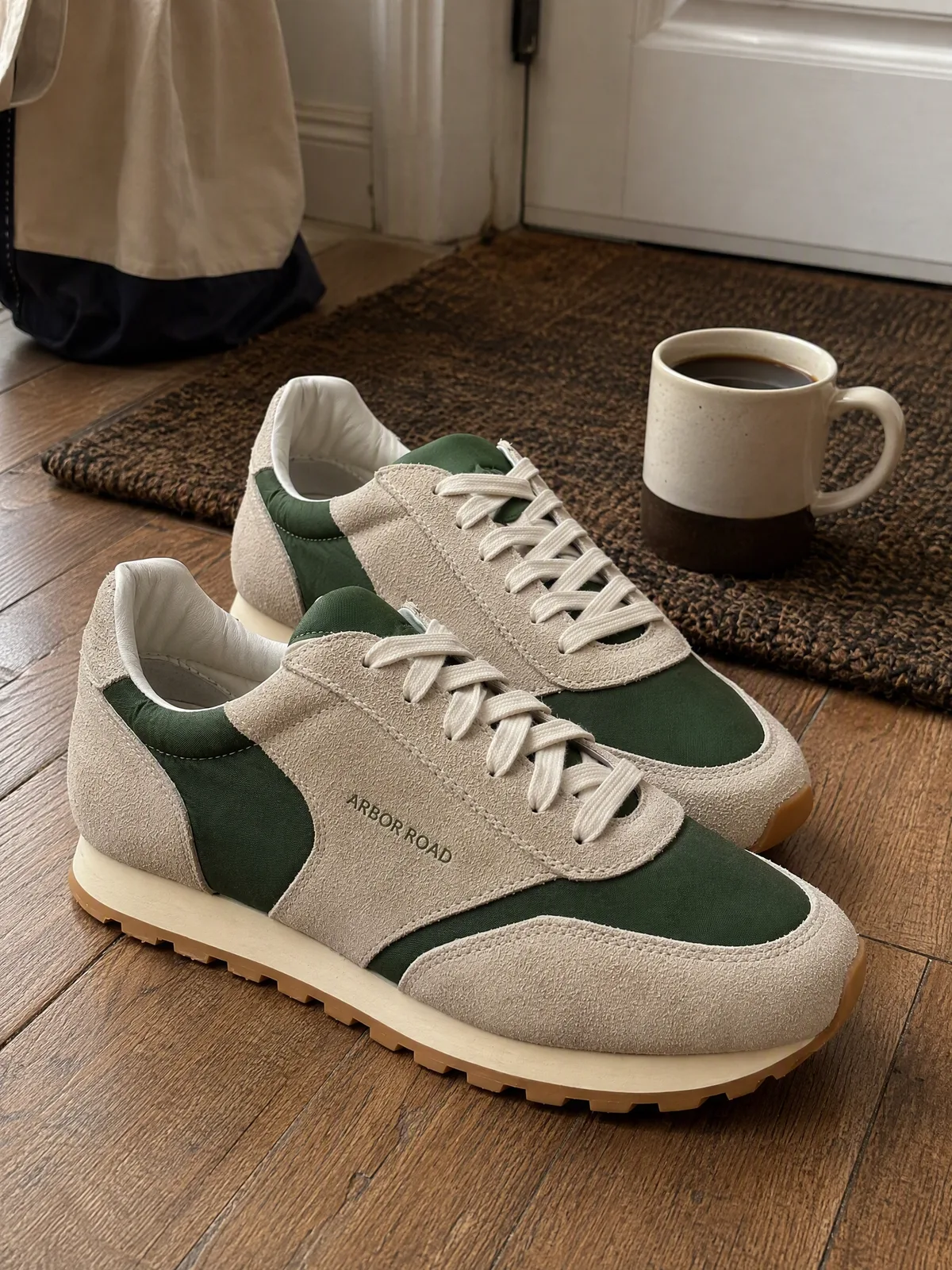
The request shape does not change with the category. For a sneaker, the source was a phone photo of one shoe on a concrete floor.
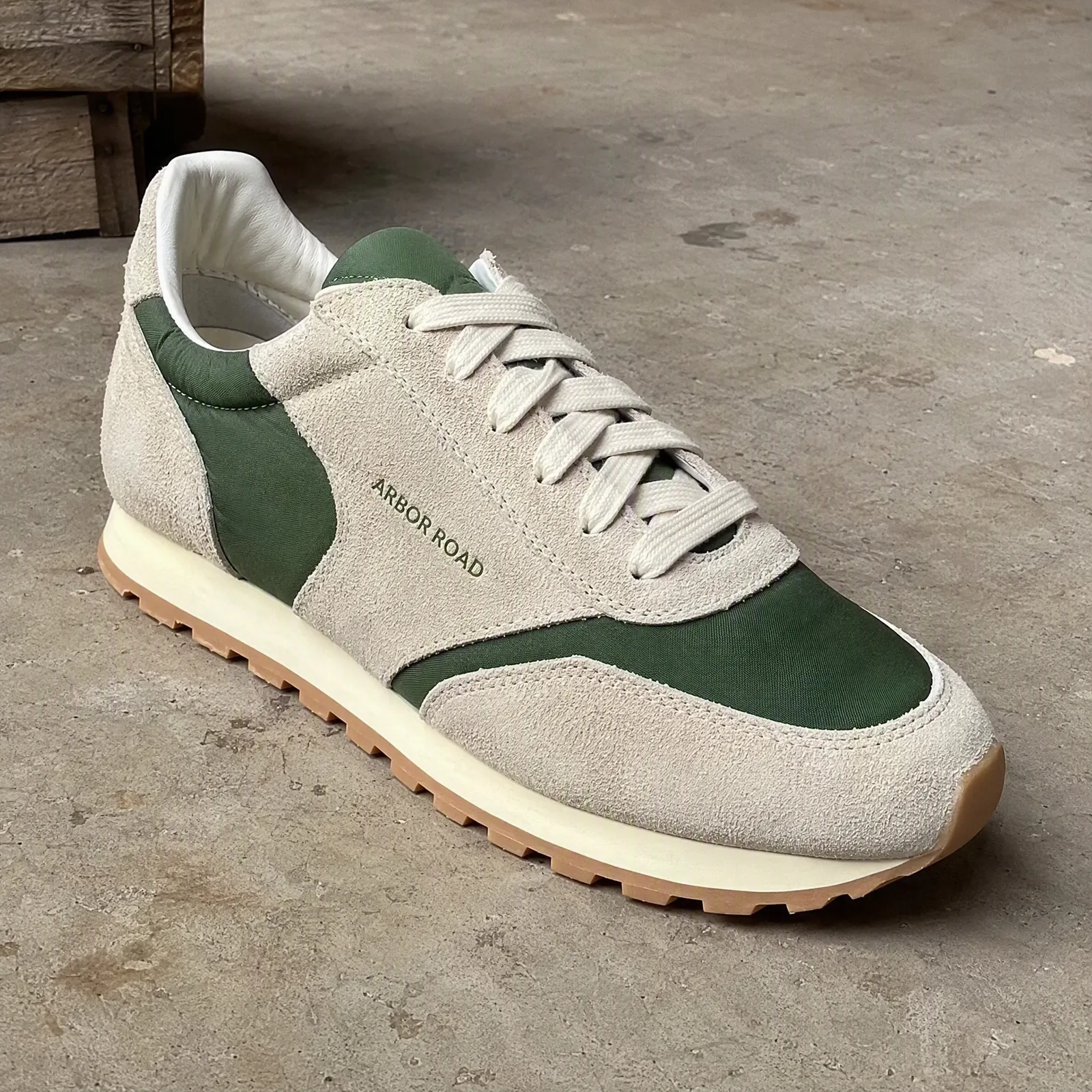
Two UGC-style photos of these sneakers: on foot at street level, and by the door mat at home with a coffee. Phone look.
Out came a low street angle on foot, and the pair by a door mat with a mug. Both read as a customer's photo. Both are the shoe from the source.
Where each photo goes
- Meta and TikTok ads. The hands shot, 4:5 or 9:16. It is the one that does not look like an ad.
- Amazon and Shopify secondary images. The desk or street shot as image two or three, after the white-background hero. It answers "what does it look like in use" without leaving the listing.
- Review and testimonial sections. The most casual frame, small, next to real customer text.
- Email and organic social. Any of them. They fit a feed better than the hero does.
What to check before you use them
- The product is unchanged. Compare against the source: logo placement, color, proportions, port and button positions. If something moved, ask for it again.
- No invented marks. Generated scenes sometimes add a logo on a mug or text on a poster. Read every surface.
- Hands look right. Finger count, grip, skin tone matching across the set.
- The scene fits the buyer. A gaming keyboard on a minimalist oak desk sells to one person; on a desk with two monitors and a headset, to another. Say which.
A note on honesty
These are brand-made photos in a creator style. Use them as such. Where a platform requires paid or brand content to be labeled, label it. Do not upload them as customer reviews or present them as photos a customer took. The style earns attention because it looks like a person; the trust it earns depends on not lying about which person.